Audio editor, MP3 cutter, voice recorder & audio converter for Android
Cut. Record. Convert. One audio app.
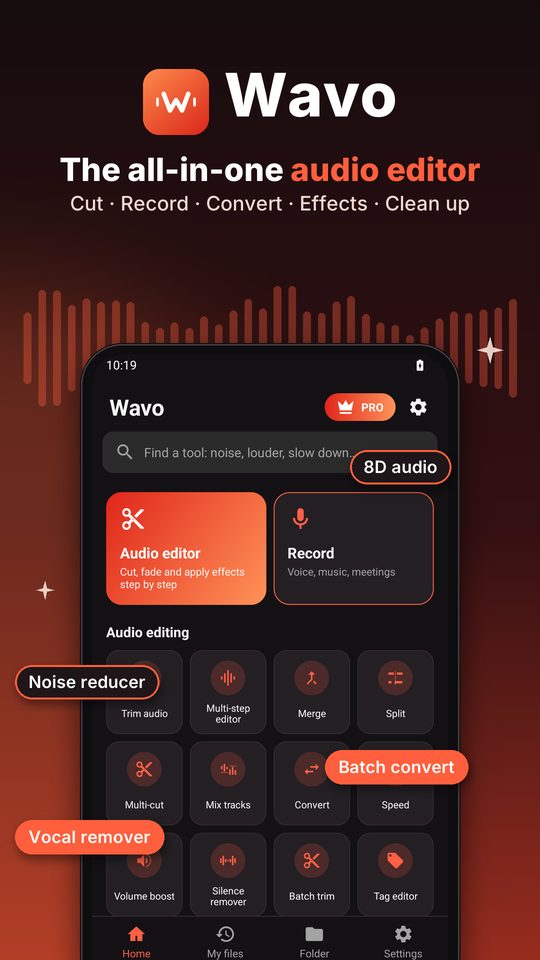
Wavo is an all-in-one audio editor. Trim to 0.01 s on a zoomable waveform, merge songs, record your voice, convert between MP3, WAV, AAC, M4A, FLAC, OGG and OPUS, and add effects — right on your phone. Your audio and video files are not uploaded.
Android 8.0+ · free, optional Premium · no sign-up, no upload
Screenshots
A look inside.
How it works
Pick a file, edit it, save it.
Pick or record
Choose a song or recording on your phone, pick a video to take its sound, or record your voice, music, a lecture or a meeting. Nothing is uploaded.
Edit and preview
Trim on the waveform, merge, split, mix, change speed or add effects, then listen to a preview before you save.
Save, share or set as ringtone
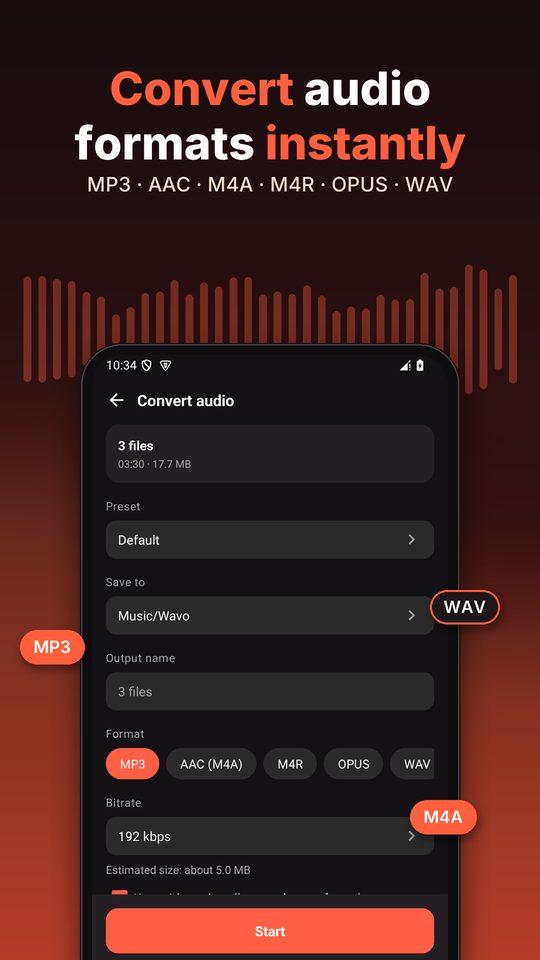
Save as MP3, AAC (M4A), M4R, OPUS or WAV to Music/Wavo, share it, or set any result as your ringtone, notification or alarm sound.
Features
Editor, recorder, converter and effects. One app.
Audio editor & MP3 cutter
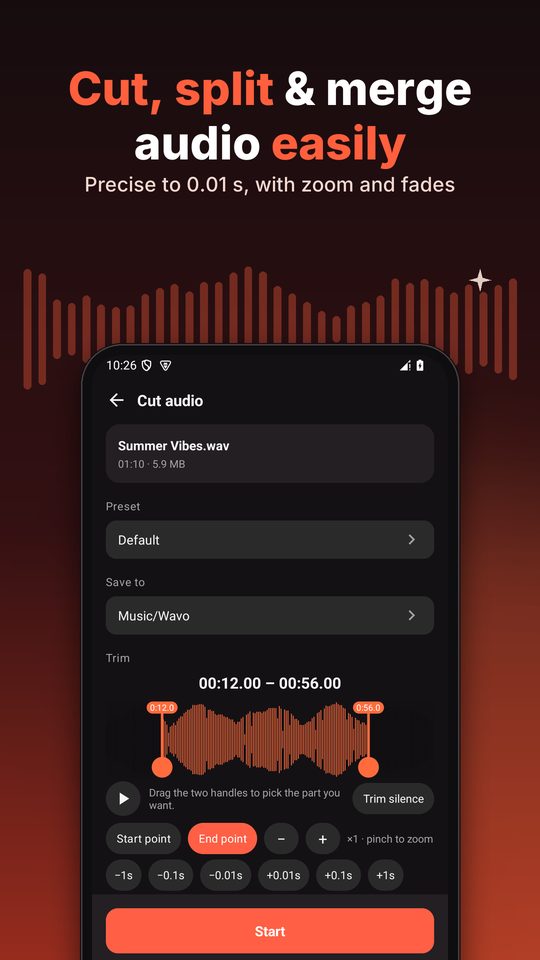
Trim precisely to 0.01 s on a zoomable waveform with fade in and fade out. Cut, delete parts and add effects step by step with undo. Merge songs or join them with a crossfade, split a file, cut out several segments, mix tracks, change speed without changing pitch, boost volume up to 300%, remove silence and edit song info.
Voice recorder
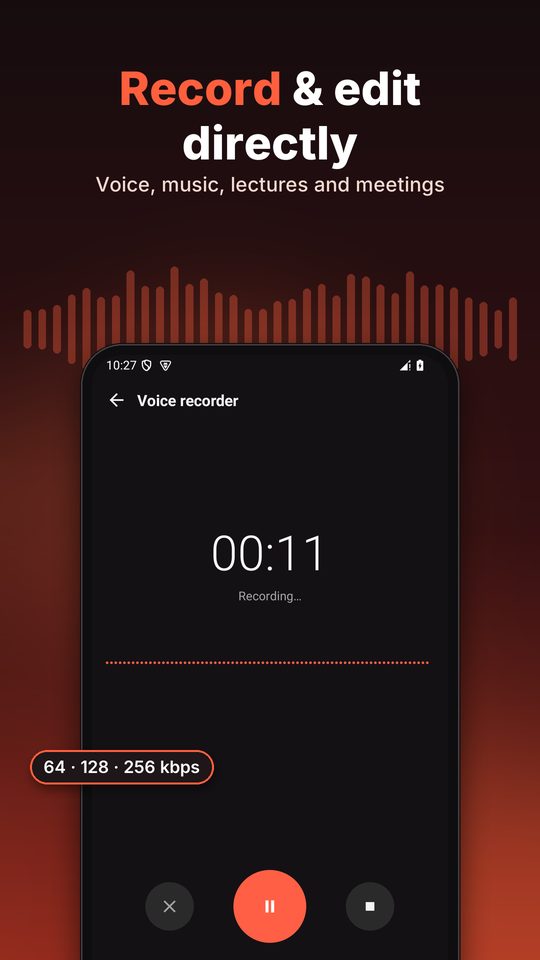
Record voice, music, lectures and meetings at 64, 128 or 256 kbps. Pause and resume, then edit the recording straight away.
Audio converter & video to audio
Convert MP3, WAV, AAC, M4A, FLAC, OGG, OPUS and more, many files at once, with a size estimate before you start. Extract the sound from a video as MP3. Title, artist, album and cover are kept from the source file.
Effects & mastering
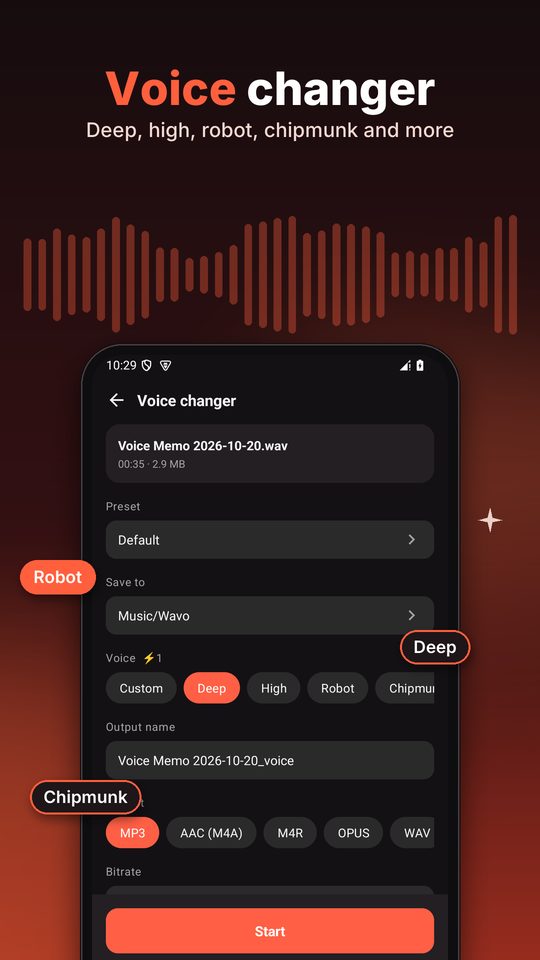
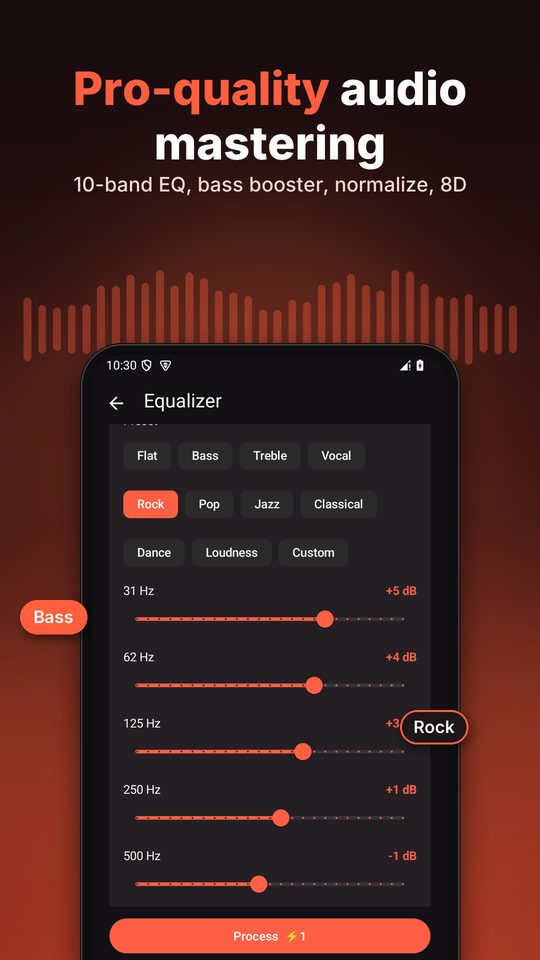
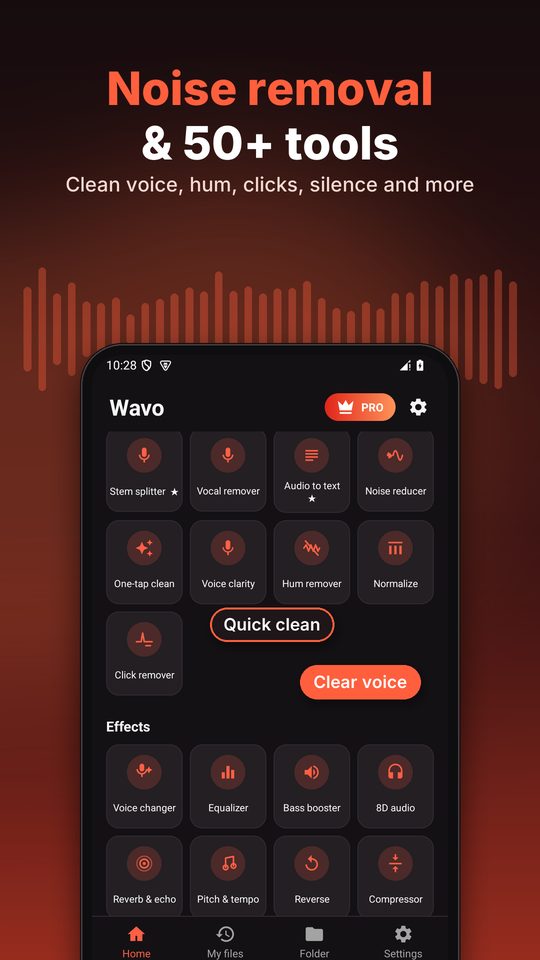
10-band equalizer with presets, bass booster, 8D audio, reverb and echo, reverse, pitch and tempo, compressor, loudness normalize, stereo and mono tools, and a voice changer (deep, high, robot, chipmunk and custom). Listen to a preview before you save.
Vocals & clean up
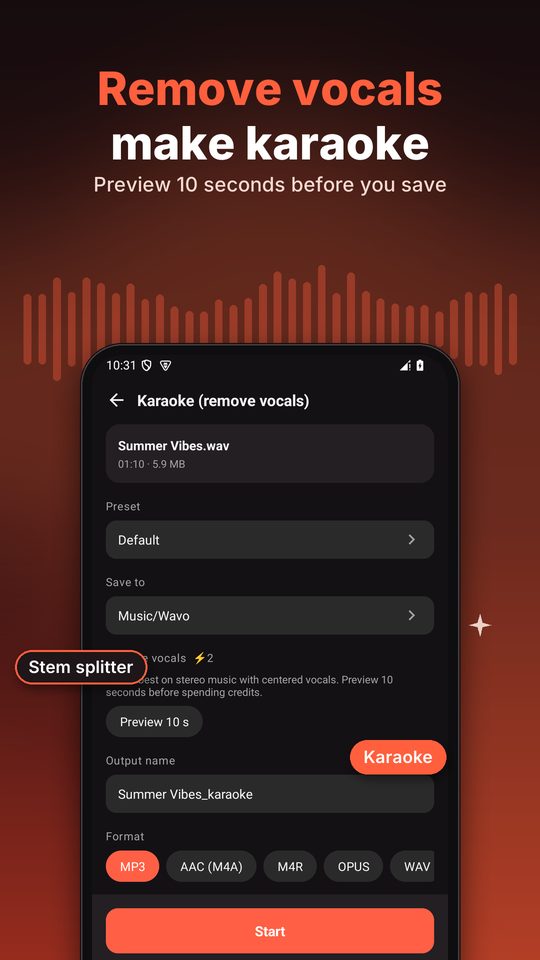
Vocal remover makes a karaoke track from a stereo song, with a 10-second preview. Stem splitter splits a song into vocals and music, or into 4 stems. Noise reducer, hum remover, click remover, voice clarity and one-tap clean up. Audio to text transcribes speech on your device (Android 13+, where the phone supports it).
Ringtones & more
Set any result as your ringtone, notification or alarm sound. Text to speech, tone and noise generator, notification sounds, add music to a video, turn audio into a video with a cover or waveform, audio analyzer, batch rename and album art tools.
Private by design
Your audio stays on your phone.
Editing runs on your device, so your audio and video files are not uploaded. The app uses the internet for ads, analytics, crash reports and Google Play purchases — never to upload your files.
Formats
6 output formats, audio and video in.
Open the audio and video formats your phone can decode, and save in the format that fits the job.
Plays everywhere. Up to 192 kbps on the free plan; 256 and 320 kbps cost 1 credit per file, or are included with Premium.
Good sound at a small size, supported by modern phones and apps.
AAC audio with the extension iPhone uses for ringtones.
Small files for voice and speech. Available on Android 10 and newer.
Uncompressed audio for further editing.
Lossless output with Premium, on phones with a FLAC encoder.
Input: audio and video
- MP3
- M4A
- AAC
- OGG
- OPUS
- WAV
- FLAC
- AMR
- MP4
- MKV
- WEBM
- + other formats your phone can decode
FAQ
Fair questions.
Does Wavo upload my files?
No. Editing runs on your device, so your audio and video files are not uploaded. The app uses the internet for ads, analytics, crash reports and Google Play purchases.
Can I make a ringtone?
Yes. Cut the part you want, then set the result as your ringtone, notification or alarm sound. The first time, Android asks you to allow “Modify system settings” for the app.
Can I take the audio out of a video?
Yes. Video to audio extracts the sound from a video as MP3. Videos are picked through the Android photo picker, and the video itself is not changed.
Where are the files saved?
In the Music/Wavo folder on your phone, where music players and file managers can see them.
What are credits?
Credits unlock extras on the free plan: 256 and 320 kbps cost 1 credit per file, effects and the voice changer 1 credit per file, the vocal remover 2 credits per file, and batches take 5 files at a time, then 1 credit per extra file. New installs get welcome credits, a short ad adds 1 more (up to 5 a day), and credit packs are sold in the app. Cutting, merging, recording, setting ringtones and converting at up to 192 kbps are free.
What does Premium add?
Premium (monthly, yearly or lifetime) removes ads and credit charges, and unlocks FLAC, the stem splitter, audio to text, several segments in Multi-cut and Add music to video.
Which Android versions and permissions?
Wavo works on Android 8.0 and newer. Permissions are asked only when a feature needs them: audio files, the microphone for recording, and “Modify system settings” to set a ringtone.